Edit
A first cut in minutes. Not an afternoon.
Cutaway reads what you said and how you said it, then builds the edit. Every decision shows its reason, so you keep what works and undo what doesn't.
 Cutaway
Free & open-source video editor for Mac
The free Mac app for YouTube creators. It records your screen and camera, takes out the pauses, ums and retakes, adds zooms and captions, and hands you a first cut in minutes.
Free & open source (MIT) · Apple silicon · macOS 14+ · v0.2
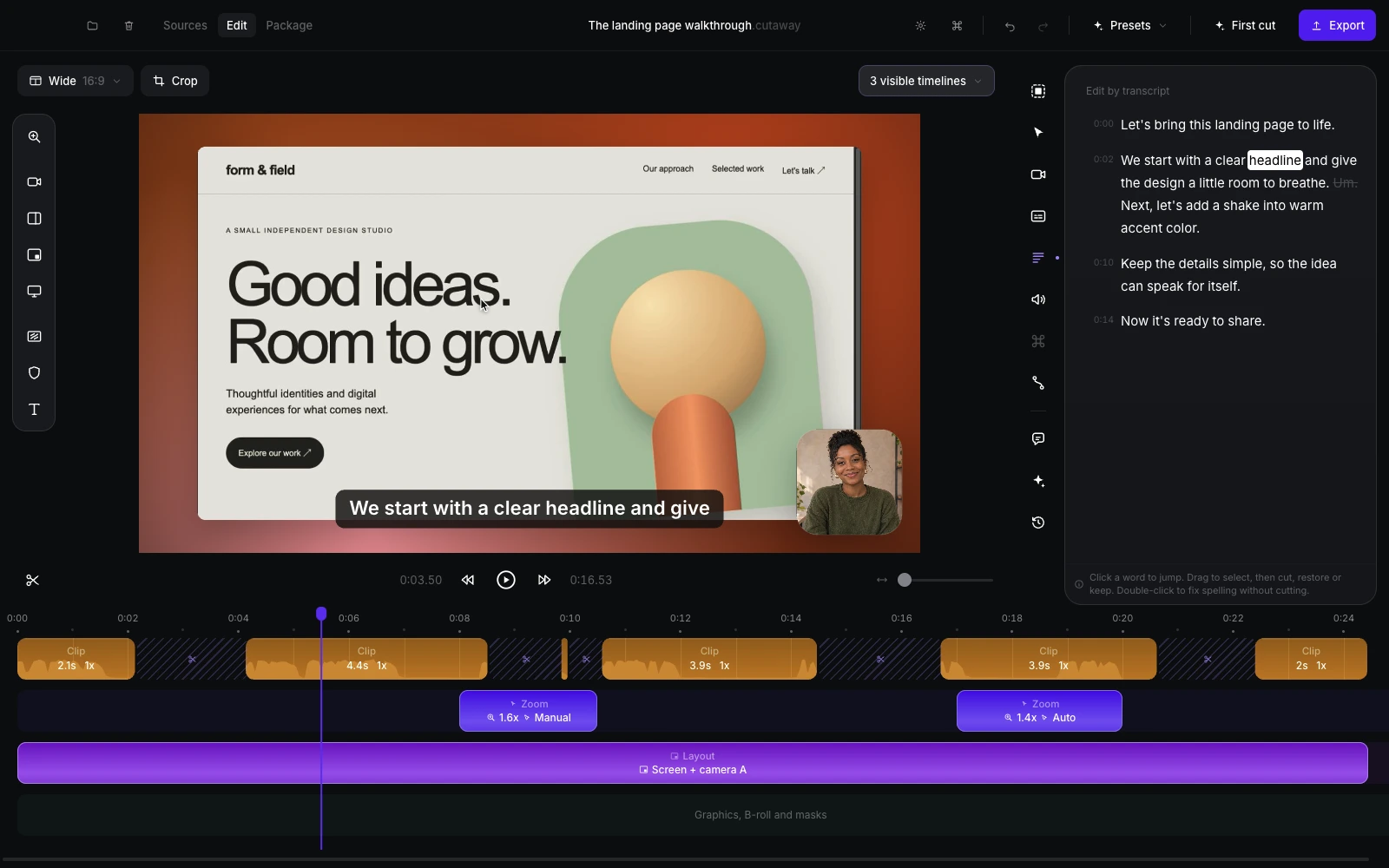
Your screen, up to two cameras and your mic. Or drop in footage you already have.
Pauses, ums and retakes come out. Zooms land where you click.
Fix anything on the timeline, in the transcript, or by asking.
Video, captions, title, thumbnail and chapters, in one folder.
Cutaway reads what you said and how you said it, then builds the edit. Every decision shows its reason, so you keep what works and undo what doesn't.
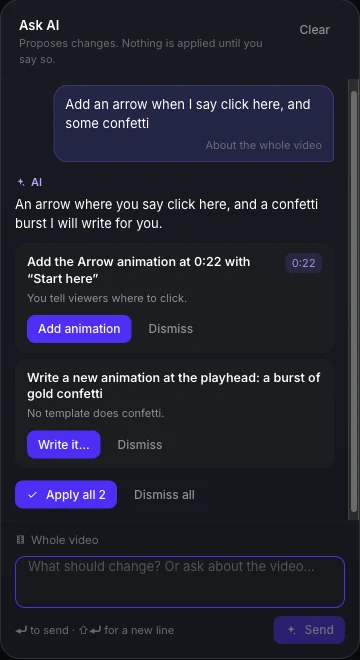
Delete words in the transcript to cut them. Or tell Ask AI “tighten the intro” or “add an arrow when I say click here”, and apply only the changes you like.
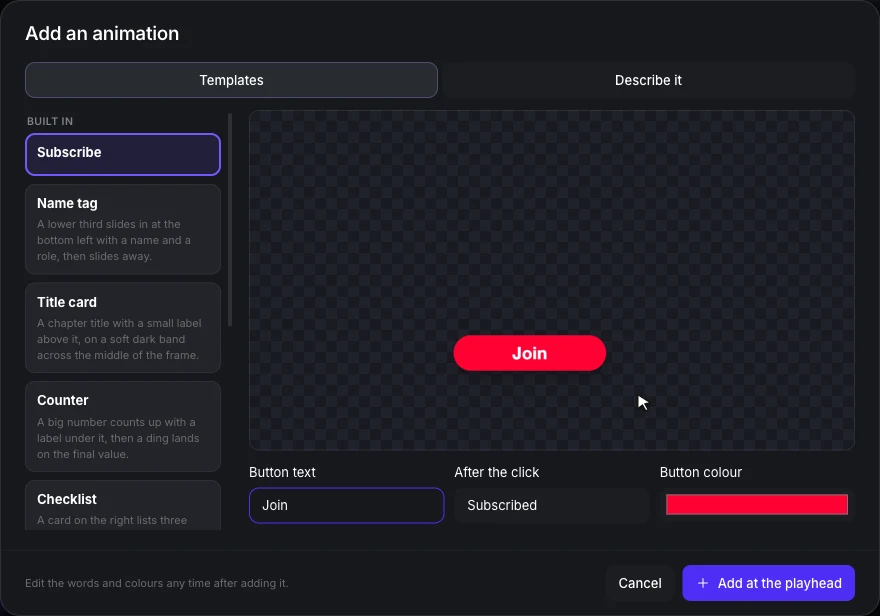
Subscribe buttons, name tags, counters, title cards, arrows and highlights. Pick one and type your words. Or describe something new and let AI build it. Cutaway even spots the moments in your script that need one.
Your words become captions on your own computer. Pick a style, burn them in, or export a caption file.
Three ideas based on your video. Change anything, then check it at the size people see on YouTube.
None of these show up in your video.
Cutaway speaks MCP. Connect Claude Code or Codex in one click, describe the video, and watch it happen in Cutaway. Then keep editing by hand.
The run on the right is real. Claude Code made this video in 3 minutes 16 seconds.
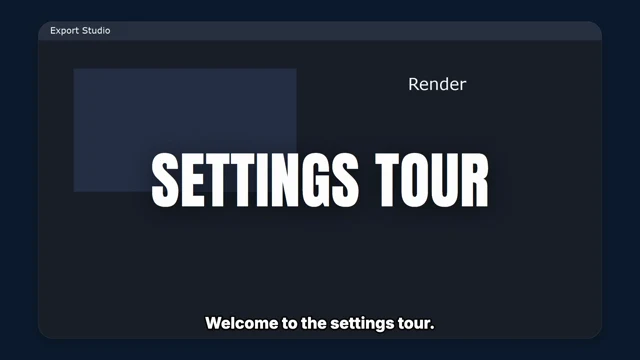
Set it up in a minute →› Make a finished clip from my settings tour. Cut anything slow, add a title, a subscribe button near the end, bold captions, and export it.
✓ settings-tour.mp4 · 38 s of footage cut to 22.7 s
Transcription, editing, preview and export all happen on your computer. No uploads.
AI features use your Claude Code or Codex sign-in. Voice, music and images use your own ElevenLabs or fal.ai key.
No sign-up, no server, no analytics. Read every line on GitHub.
$0.
Cutaway is open source under the MIT license. No subscription, no watermark, no limits on how many videos you make.
★ Star on GitHubYes. Cutaway is MIT-licensed open source. The optional AI generation uses your own ElevenLabs or fal.ai account, which bills you directly.
Macs with Apple silicon (M1 or newer) on macOS 14 Sonoma or later.
Cutaway is signed, but not yet notarized by Apple, so macOS asks you to confirm once:
After that it opens like any other app. All of its code is on GitHub.
No. Built-in rules make the first cut without any AI. If you have Claude Code or Codex, Cutaway can use it for smarter edits and titles.
No. Your video and audio stay on your Mac. If you turn on the AI features, only the transcript text and a few still frames go to the AI tool you chose.
Yes. Import any video, audio or images and edit them the same way.
Download the latest version and drag it into Applications to replace the old one. Your projects stay where they are.
Free & open source (MIT) · Apple silicon · macOS 14+